
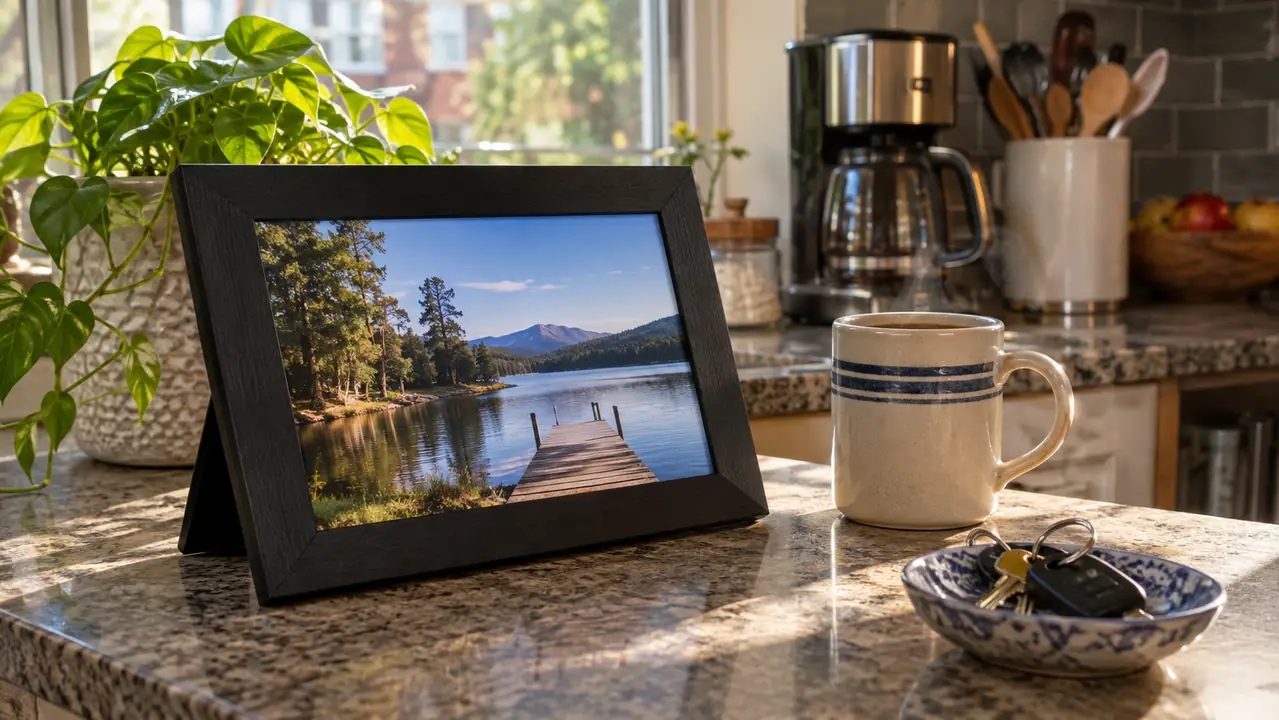
Daniel's apartment in Portland did not have a single photo on the wall for the first two years we lived apart. I noticed on my first visit and said nothing, because telling your partner that his place looks like a hotel room is a conversation for a weekend when you have more than four days together. Then last March, for his birthday, I sent him an AURA Carver. It has sat on his kitchen counter ever since, and I still add to it from the checkout line at the grocery store.
So I understand why people ask me which digital frame to buy. They are not shopping for a gadget. They are shopping for a way to be in the room when they are not in the room. The two names that come up are AURA and Skylight, and the honest short answer is this: if the frame is for the two of you, the AURA Carver is the one I would buy again, because I did buy it. If the frame is going to be fed by a whole family, with siblings and grandparents all pushing pictures to one screen, Skylight is built for that crowd and AURA is not really trying to be.
| AURA Carver (10 inch) | Skylight Frame | |
|---|---|---|
| Subscription | Works fully without a plan, nothing to renew | Free version works, an optional paid tier adds extras |
| Adding a photo | Pick from your camera roll in the AURA app | Send it by email or through the app |
| Arrives as a gift | Preload photos, a video and a message before it ships | Set up at the receiving end, then start sending |
| Screen | 10.1 inches, 16:9, touchscreen | Touchscreen, size depends on the model you pick |
| Who it assumes is sending | One or two people, one shared stream | A whole household and extended family |
| Learning curve | One app, swipe to move through photos | More settings and features to explore |
| Best for | A partner two time zones away | A family that wants one shared screen |
One thing to be clear about up front. I have owned the AURA Carver for eight months and I have never owned a Skylight. My read on Skylight comes from helping a friend set hers up in her living room, from the listing, and from a lot of reviews, because I was not going to buy a second frame for an apartment that already has one. Where I am guessing, I will say I am guessing.
Where AURA Wins
The thing that decided it for me was the box. The AURA listing lets you preload photos, videos and a message before the frame ships, so what arrives at Daniel's door is not a piece of hardware that needs configuring. It is already full of us. He plugged it in, connected it to his Wi-Fi once, and the first thing he saw was a picture of the two of us at a gas station outside Amarillo at two in the morning, which is a long story and not a flattering one. A gift that requires the other person to set something up before it does anything is a chore with a bow on it. This one arrived already working.
I picked those photos over two evenings on my couch, mostly while half watching something, and landed on thirty-one pictures and one eleven second video of the two of us stuck in traffic on I-35 singing badly. There is a short message box too. I wrote mine four times and then made it shorter. If you have ever handed someone a gift and then watched them read the manual for twenty minutes before it does a single thing, you know why that mattered to me.
The other thing is the size of the stream. The screen is 10.1 inches at a 16:9 aspect ratio and it is a touchscreen, so he can swipe back through a week of pictures without hunting for a remote that has slid under the toaster. The frame is a little over twelve inches across, small enough to live on a counter next to the coffee maker without becoming the thing you move to get to the coffee maker. Corded power, Wi-Fi, one year of warranty. Nothing about it asks for a second decision after you buy it.
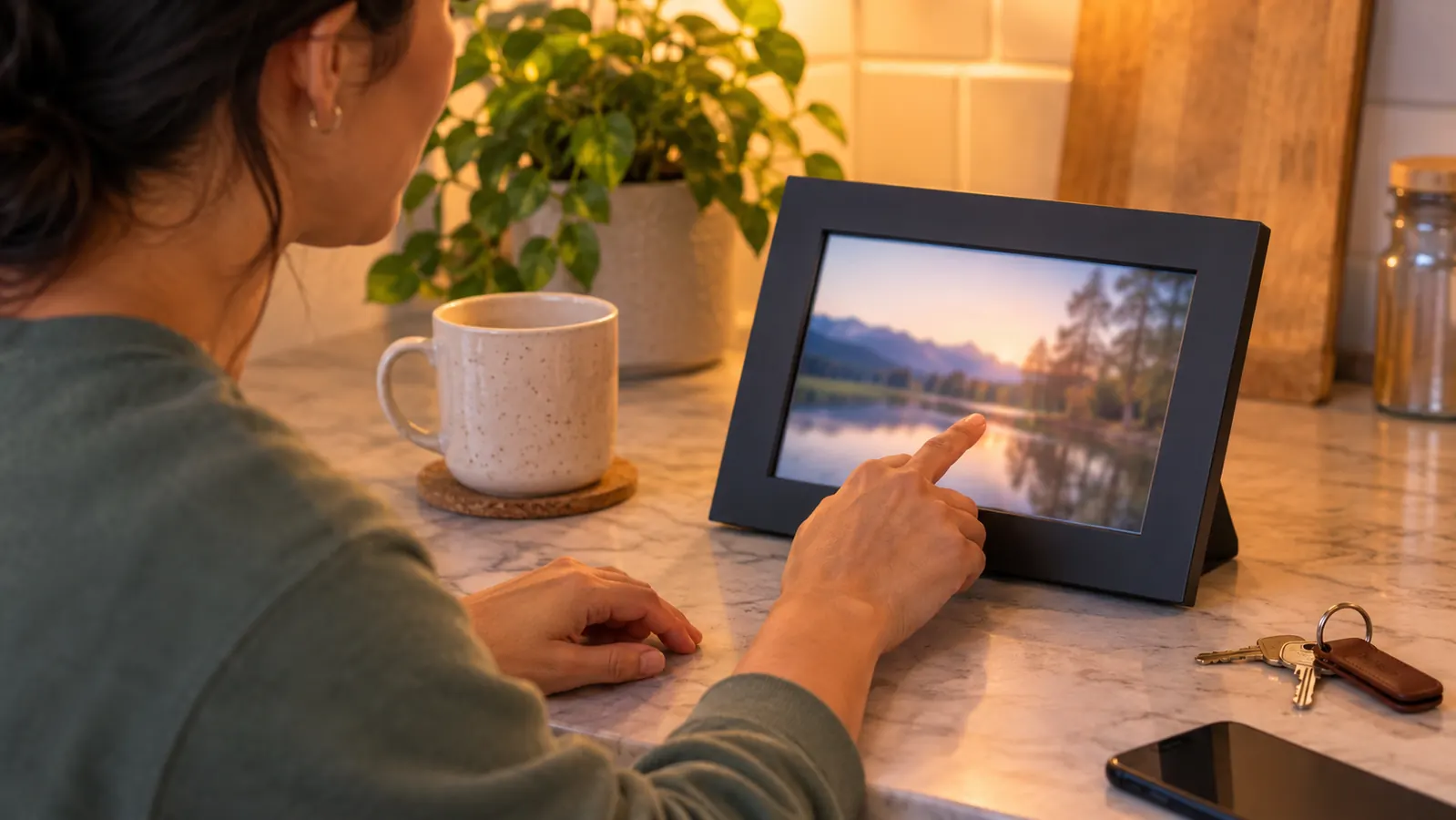
Adding a picture takes about four seconds. Open the app, tap add, pick from the camera roll, done. I have done it standing in a hospital stairwell with bad signal and it still went through. You can invite more than one person to a frame, so his sister could add pictures too if we wanted that, but the default shape is me and him. There is no feed, no likes, no comment section. It is not social media pretending to be a gift. Nothing about it asks either of us to perform.
And there is no subscription. That matters more than it sounds like it should. The AURA Carver does not put a monthly reminder on your statement that the two of you are apart, and it does not lock the thing you bought behind a tier you have to keep paying for. I would have kept adding photos anyway, but I would have been annoyed about it every month, and annoyed is not a feeling I want anywhere near this.
Where Skylight Wins
Skylight has one real advantage that I have watched matter. You can send photos to it by email. If the person adding pictures is a parent, a grandparent, or a partner who does not want another app on their phone, an email address is a lower door to walk through than a download and a login. I have not owned a Skylight. I have set one up at a friend's house and read a lot of listings and reviews, and the pattern in the reviews is consistent: the people who love Skylight are the ones with a lot of contributors and at least one contributor who hates apps.
I watched that play out in one weekend. My friend set hers up on a Saturday afternoon with her husband and her mother on speakerphone, and by Monday morning her mother in Ohio was emailing pictures without having installed anything at all. That is the real strength of the thing. It takes the app out of the way for the person who would otherwise never bother.
Skylight is also the better answer when the frame is not really about two people. One screen in a living room with four siblings, two grandmothers and a group chat all sending pictures to it is a different job than one frame on a kitchen counter. That is the job Skylight is designed for, and it does it well. It also has more settings and more features than the Carver, which some people will use every week and some people will ignore forever. If you like configuring things, you will like it more than I would.
On the subscription question, both come out fine. Skylight's free version works and its paid tier reads as an optional upgrade rather than a hostage situation, so that should not be the deciding factor. The deciding factor should be the number of people sending pictures. One sender and two people, pick AURA. Six senders and ten people, pick Skylight.
The frame that arrives already full of the two of you
The AURA Carver takes photos from your phone and puts them on his counter without a subscription and without him touching a thing. Preload it before it ships and the first thing he sees is you.
Amazon Check Today's Price on Amazon →He never has to ask me to send a picture. I send it, and it is on his counter before he gets home.

What Eight Months on Daniel's Counter Taught Me
I check the frame more than I check my own phone, which sounds dramatic and is not. I get off a twelve hour shift at seven thirty at night, which is five thirty in Portland, and he is usually still at his desk. I open the AURA app in the parking garage and put something on his counter. By the time he is home there is a picture of my shift coffee or the sunrise over the elevator bank waiting for him. It is a very small thing. It is also the difference between a Tuesday when we barely text and a Tuesday when we did something together.
What I did not expect was that it would give him something to send back. He is not a picture taker. Before the frame he had maybe sixty photos on his phone and half of them were receipts he needed for expenses. Now he sends me the bridge on his walk in, or the way the light hits his kitchen at six in the evening. The frame is his, but the stream goes both ways, and it turns out he had been waiting for a reason. The first one he sent on his own was the Fremont Bridge at six forty in the morning. Neither of us has any particular feeling about that bridge, and I still looked at it for a while over breakfast.
One practical thing about the pictures themselves. The frame is 16:9, so a vertical phone shot of the two of you loses the edges. I learned this with a photo on the waterfront where Daniel's head was fine and mine was a shoulder. Now I take a step back and shoot landscape when I know something is going in the frame. That is not a complaint, it is a habit, and it took about two weeks to build.
The honest downsides. It is corded, so it lives where an outlet is, and Daniel's outlet is behind the toaster, which cost us one furniture rearrangement. It needs Wi-Fi, and when his router went down the frame just held the last photo it had, which is fine but not interesting. And it is a screen on a counter, so if you are someone who wants zero screens in the kitchen, this is a screen in the kitchen. That is not a flaw. It is just what it is, and I would make the same trade again.
Who Should Buy Which
Buy the AURA if the frame is for one person and the pictures will mostly come from one person. That is the long distance shape. You, him, one stream, a few pictures a week, no meeting required. Buy it if you want to hand over a gift that is already doing its job the moment it is plugged in. Buy it if a recurring charge on a picture frame would make you quietly resentful, which is a real thing that happens to reasonable people.
Buy the Skylight if the frame is a family project. If your mother wants to email pictures to it, if there are six people who will all send to the same screen, if it is going in a living room where the point is that everyone sees the same thing, Skylight is the more natural fit and I would not talk you out of it. Just know that the person who receives it usually does the setup, and budget twenty minutes of a visit for that. We spent closer to forty, Wi-Fi password hunt included. Do it before dinner rather than after, and write the password down somewhere other than the back of the router.
A note for the person who is always the sender. Half the people I know in this situation are the ones doing all the sending, and it is easy to spend two years being the only one who puts anything on the counter. If that is where you are, the frame is a reasonable thing to ask for. Put it on a list. Let him fill your counter for once, and see what he picks.
It also helps to say out loud how you want it used. Daniel and I agreed on one rule the week it arrived: nothing embarrassing, nothing from work, nothing either of us would have to explain to a guest. That rule has saved us both more than once, and it takes about ten seconds to set.
And if what you actually want is the end of shift signal, the light that comes on when the other person walks in the door, a picture frame is not that. I have both. The lamp says I am home. The frame says here is what today looked like. They do different jobs and I would not trade either one.
His counter has been full for eight months. Start yours.
The AURA Carver has a 10.1 inch touchscreen, runs on Wi-Fi, needs no subscription, and can be filled with photos before it ever ships. That is the whole pitch, and it is enough.
Amazon Check Today's Price on Amazon →