
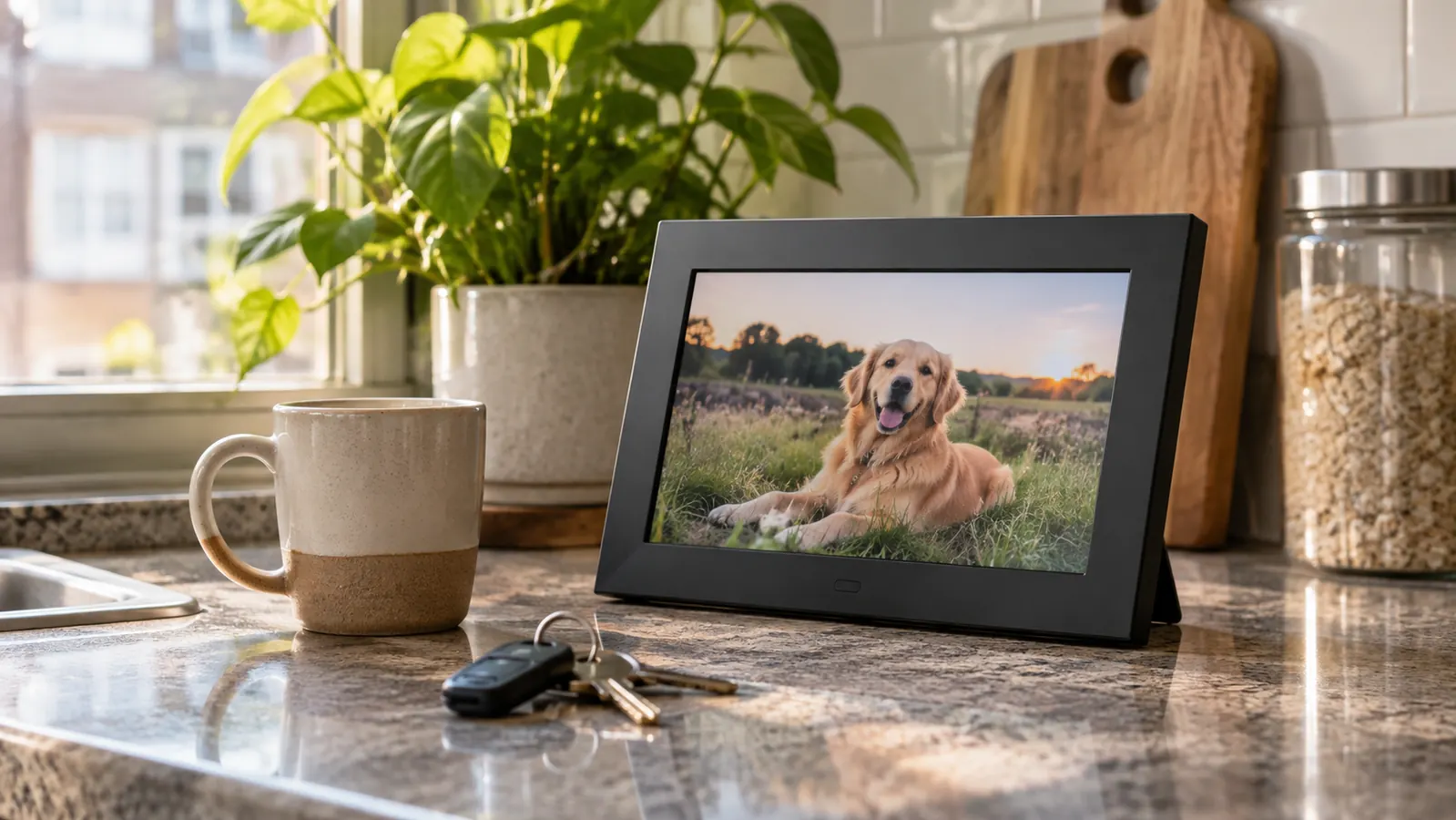
Daniel's kitchen counter in Portland had no photos on it for the first two years we lived apart. Not a framed print, not a snapshot on the fridge. He is a civil engineer, practical to a fault, and his apartment looked like a place someone slept between projects. Eight months ago, for his birthday in March, I bought him an AURA Carver 10 inch Wi-Fi frame. I was not trying to fix the distance. I was trying to put something on that counter that was not a blender.
We have been together four years. For the first year we lived in the same city. Then Daniel took a job in Portland, and I stayed in San Antonio because I am an ER nurse on rotating twelve-hour shifts. Portland is two hours behind San Antonio, which means my end of shift is his late lunch. We see each other about every six weeks, alternating who flies, usually for four days. The frame is not a replacement for that. It is a small daily thing that makes the ordinary parts of my day visible in his kitchen. Before the frame, I sent photos by text. Daniel would heart them and then they would sink into the thread, past a receipt and a link and a question about his flight. That is not a memory. That is a message. The frame is different because it has one job: it shows the last thing I sent. He does not have to scroll back. He just looks up.
The frame I bought for Daniel's counter
AURA Carver 10 inch Wi-Fi frame. 10.1 inch display, touchscreen, 16:9, one year warranty. I send photos from my phone, and Daniel does nothing.
Amazon Check Today's Price on Amazon →Step 1: Pick the counter spot before you unbox
The frame needs an outlet. It is corded electric, not battery. That one detail decides where it goes. In Daniel's apartment, the only counter space that is not next to the sink is the stretch by the coffee maker, and there is an outlet there. That is where it sits. If your partner's kitchen is like his, you have one good wall and a lot of things competing for it. The frame is not a decoration you can put anywhere. It needs power, and it needs Wi-Fi, and it needs to be somewhere you actually look.
You want a spot you both look at every day. Not a guest room, not a shelf above the door. The point is to see it while you are waiting for coffee or washing a pan. The screen is 10.1 inches with a 16:9 aspect ratio, so it reads like a small photo, not a television. It fits on a counter without taking over. The frame is 10.1 inches long and 12.7 inches wide, so measure the space before you commit. I did not, and Daniel had to move a knife block. It is not huge. That is good. A bigger screen would have turned his kitchen into a sports bar.
Before you plug it in, decide who is sending the photos and who is looking at them. In our case, I send. Daniel looks. That sounds lopsided, but it works because he does not have to open an app or answer a text. The frame is just there. If you are the one buying it for a partner, you are probably the sender. Make peace with that. The gift is not the frame. The gift is the photo you send on a Tuesday when nothing happened. If you expect your partner to match your effort photo for photo, you will be disappointed. The frame is a one-way window that happens to work both ways.
Step 2: Plug it in and connect it to Wi-Fi
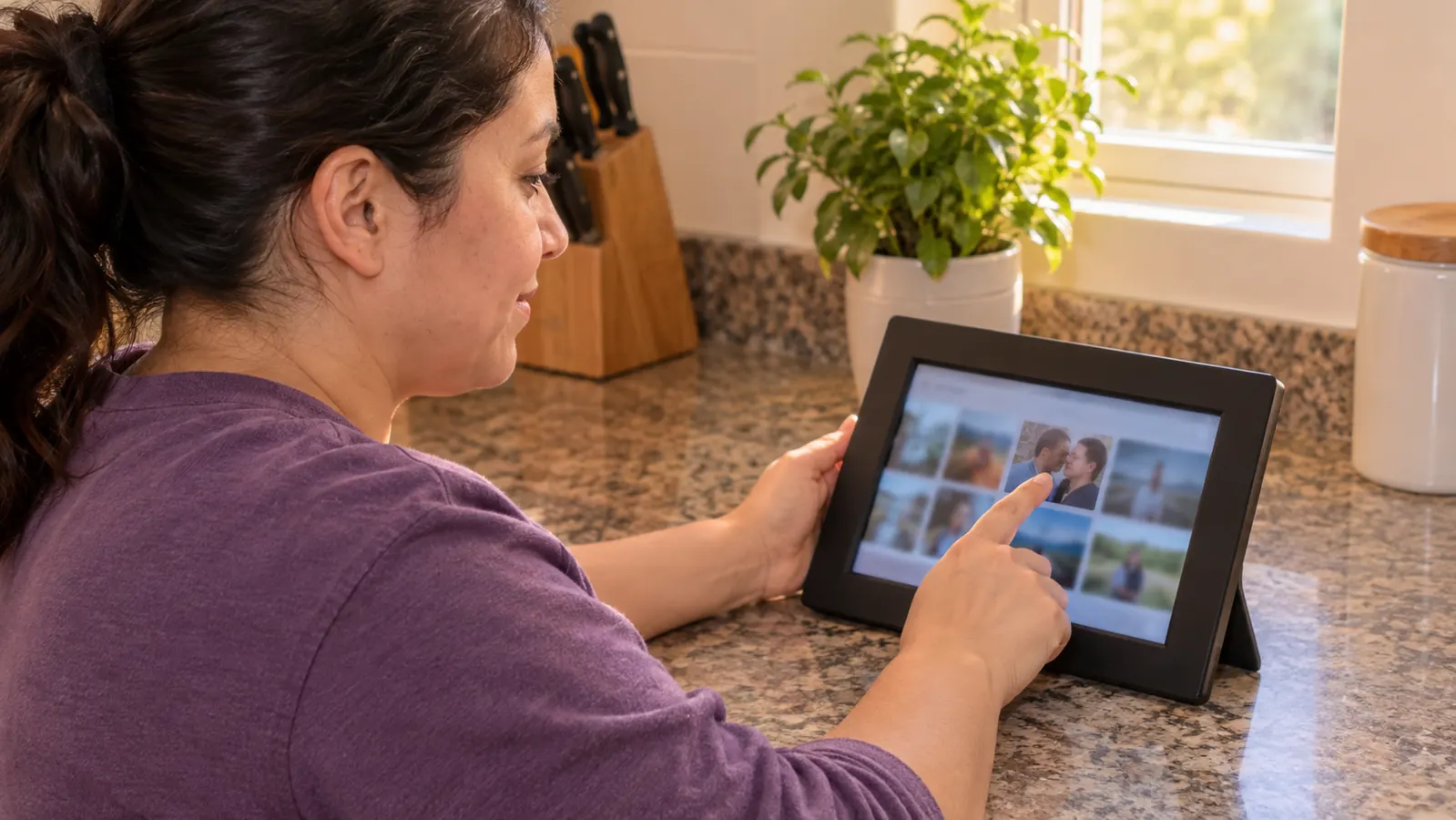
Daniel plugged his in himself. I talked him through it from San Antonio, which is a sentence I have written in my head about a dozen times since. The frame has a touchscreen, so setup happens on the frame itself. You tap through the prompts, choose your home Wi-Fi, and let it connect. It took him less than half an hour, and most of that was him finding the right outlet. The frame is compatible with smartphones, so the phone is the remote. There is no separate remote to lose. The whole physical interface is one screen and one cord.
This is where I should be honest about Wi-Fi frames in general: they are only as good as your Wi-Fi. If the signal does not reach the kitchen, the frame will struggle. Daniel's router is in the living room, maybe fifteen feet away, and his connection has been fine. If your partner's kitchen is a dead zone, solve that first. Move the router, or pick a different spot. The frame cannot do its job if it cannot get online. That is not a knock on this frame. It is true of every frame in this category. A cheap Wi-Fi extender is a better purchase than a fancier frame with no signal.
The frame is not a tablet. You are not going to browse the web or check email on it. It shows photos, and that is the point. The 10.1 inch screen is big enough to see from across the kitchen, and the 16:9 shape suits the horizontal photos I take on my phone. When it is working, it looks like a print that changes. When it is not, it looks like a black rectangle. The difference is usually the Wi-Fi. The AURA app is the only interface you need. If you can send a text, you can send a photo to this frame.
Step 3: Send the first ten photos from your phone
The first batch is the one that matters. I sent ten photos the day he set it up: a picture of my coffee mug on the counter, the view from my walk home, a bad selfie in the hospital parking lot after a night shift, one from our last visit. Nothing curated. Nothing from a wedding. The frame is not a highlight reel. It is a window. If you fill it with posed vacation shots, it becomes a billboard. If you fill it with your actual life, it becomes a way to be in the room. The first ten photos set the tone. Make them boring on purpose.
You send them through the AURA app on your phone. Pick the photos, add them to Daniel's frame, and they show up. I usually send a few a week, often from my walk home or on a day off. I do not batch them into a monthly dump. A single photo on a random Tuesday does more than thirty photos on his birthday. The frame does not require a subscription. That was non-negotiable for me. I am not paying monthly for a photo to sit on a counter. I keep a folder on my phone called counter, and I drop things into it when I think of him. Then I send one when I have a minute.
One practical note: the frame will crop horizontal photos less than vertical ones. The display is 16:9, so a wide shot fills the screen. A vertical photo gets letterboxed or cropped depending on the setting. I have learned to send a mix, but if you want the frame to look like a frame, send the wide ones. The selfies can wait. The photo of the parking lot at 7 a.m. is not going to win a contest, but it tells Daniel I am on my way home. That is the job. The frame is not an art gallery. It is a note that happens to be a picture.
Step 4: Build a small rhythm, not a big campaign
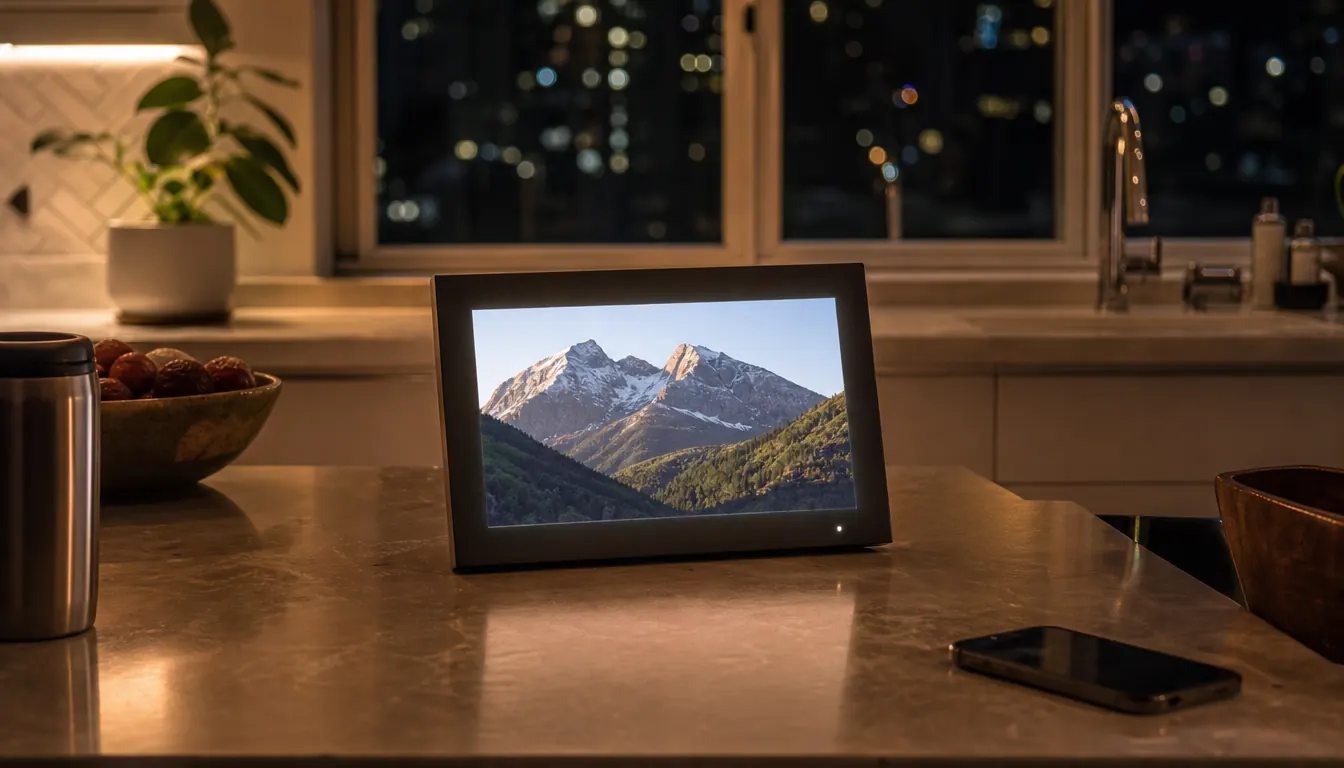
The first two weeks I sent everything. Then I slowed down. Then I figured out the rhythm that stuck: one photo most days, maybe two if something good happened. Daniel does not expect a photo. That is the point. If he expected one, it would be another obligation. It is a small, low-stakes signal that I am thinking about him. The frame sits on his counter between the coffee maker and the knife block, and it changes when I remember to send something. The days I forget are the days I am slammed. He knows that. The frame does not keep score.
The frame has no subscription. That matters more than it sounds. I have enough apps that want a monthly fee. This one does not. I bought the frame once, and the photos keep coming. The one year warranty is standard, but I have not needed it. The frame has been on his counter since March without a problem. The only thing I have had to do is keep my phone charged and remember that a photo is a better text than a text. A year is enough time to find out if a gadget is a dud. Ours is not.
The temptation is to make it a couple thing where both people perform. Do not. One person can be the sender. The other person can be the viewer. That is still sharing. In fact, it is better, because Daniel does not have to remember to charge it, update it, or curate it. He just sees my day. If you are the viewer, you can still send a photo back once in a while. But the frame does not need symmetry to work. It needs one person who remembers. That is the whole maintenance plan.
Step 5: Use it across time zones and visits
Portland is two hours behind San Antonio. When I get off a night shift at 7 a.m. my time, it is 5 a.m. his time. I send a photo from the parking lot, and he sees it when he gets up. That small delay is not a bug. It means my morning is waiting for him. On his end, a photo from his lunch break lands while I am in the middle of a shift. I see it later. The frame does not care about time zones. It just holds the last thing you sent. That is a quiet kind of comfort. We have been doing this for three years, and the two-hour gap still trips me up. The frame makes the gap feel like a handoff instead of a hole.
I have only seen the frame in person on visits to Portland. That is a strange way to own a gift. I bought it, I send to it, and I see it maybe every six weeks. The first time I walked into his kitchen and saw a photo of my own walk home on the counter, I had to stand there for a second. It looked like a normal apartment. That was the goal. The frame did not make the distance smaller. It made his kitchen feel less like a place he was passing through. It made it look like someone lived there with him, even when I was two states away.
If you are the one visiting, add a photo from the trip before you leave. Daniel and I took a photo on his porch last visit, and I sent it from the airport. By the time I landed in San Antonio, it was on his counter. That is the whole trick. You do not need a big moment. You need a photo and a Wi-Fi connection. The frame does the rest. It is not magic. It is just a screen that remembers what you gave it. That is enough. The frame is not a relationship. It is a small machine that carries one.
What Else Helps
The frame is one part of how we handle the distance. The Friendship Lamp on our nightstands does the end-of-shift signal, the one that means I am home safe. The TOTWOO bracelets do the quick buzz during the day when I cannot look at my phone. The Talking Point Cards do the Sunday video call. The Letters to My Love book does the slow, handwritten thing. The frame does the ordinary days. If you are putting together a gift for someone in a long distance relationship, pick the job you want the gift to do. The frame's job is photos. It does that one thing well. If you want a gift that does everything, you will end up with something that does nothing. The mistake I see is people buying three gifts that all do the same job, then wondering why none of them stick.
If you are giving the frame as a gift, preload a few photos, a short video, and a message before it ships. The listing says you can, and it is the difference between a gadget and a gift. Daniel opened his on his birthday and saw a photo of us from the first year we lived in the same city. He did not have to set anything up to feel something. That is a small thing, but it is the whole reason I bought it. The setup can wait. The first photo should not. If you are shopping for a friend in a long distance relationship, this is the part that makes the frame feel personal before they even plug it in.
The frame did not fix the distance. It put my ordinary Tuesday on his kitchen counter, and that was enough.
The frame that sits on Daniel's counter
AURA Carver 10 inch Wi-Fi frame. 10.1 inch display, touchscreen, Wi-Fi, one year warranty. I send photos from my phone. No subscription.
Amazon Check Today's Price on Amazon →